
Back to All Articles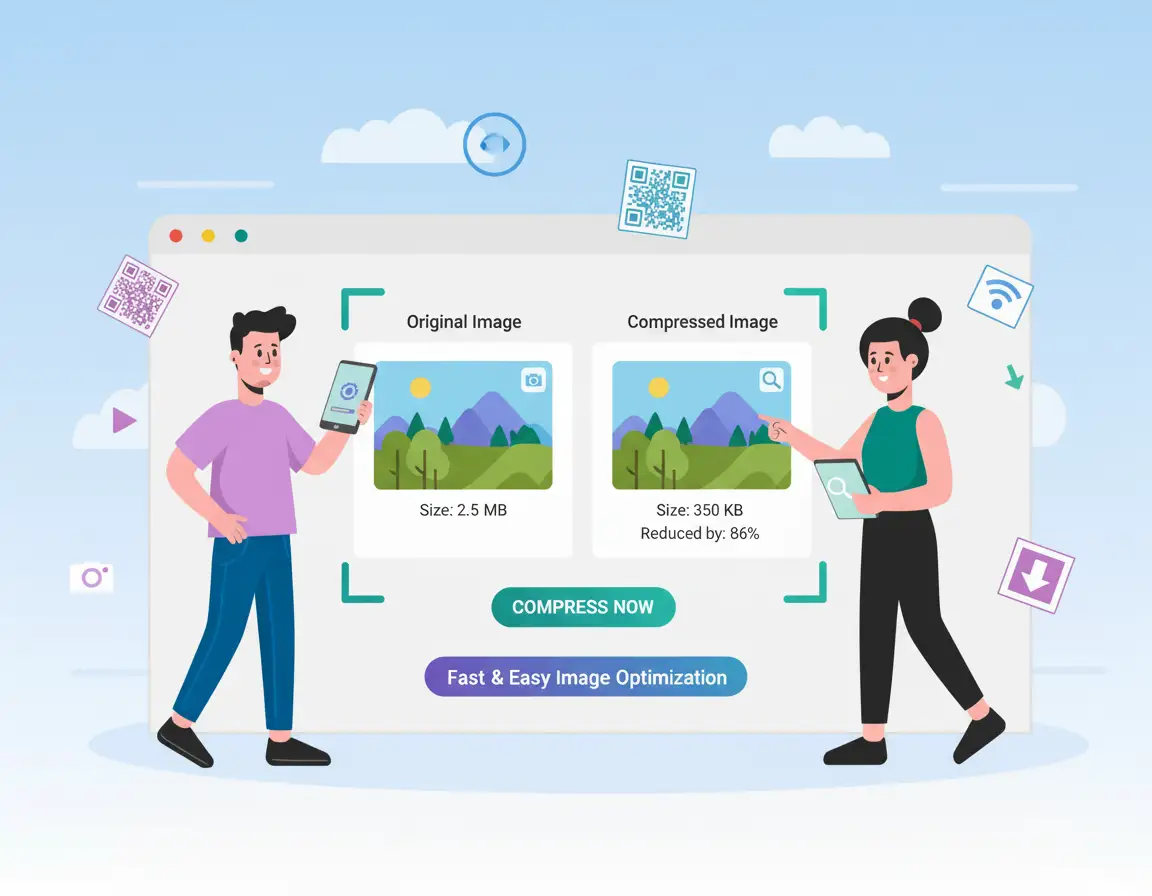
How to Compress Images for Websites Without Visible Quality Loss
MiniToolBar Editorial Team•Published: 3/18/2026
The Direct Impact of Images on Website SEO & Speed
Images account for over 60% of total webpage byte weight. Large uncompressed images are the single biggest cause of poor Google Core Web Vitals scores—specifically Largest Contentful Paint (LCP). Slow loading hero banners frustrate visitors and directly harm your Google search rankings.
3 Rules for Web Image Optimization
- Strip Invisible EXIF Metadata: Camera details, shutter speeds, GPS coordinates, and preview thumbnails bloat image files. Stripping this metadata saves valuable kilobytes without touching pixels.
- Downsample to Target Resolution: An image will rarely be displayed wider than 1920 pixels on desktop, or 600 pixels on mobile. Never upload raw 4000+ pixel camera originals to your website.
- Use Perceptual Compression: High-frequency color noise that the human eye cannot detect can be safely discarded to reduce file size.
Batch optimize your product photos and blog banners with MiniToolBar's free Image Compressor.
Tags:#Image Compressor#Website Speed#SEO Optimization