
Back to All Articles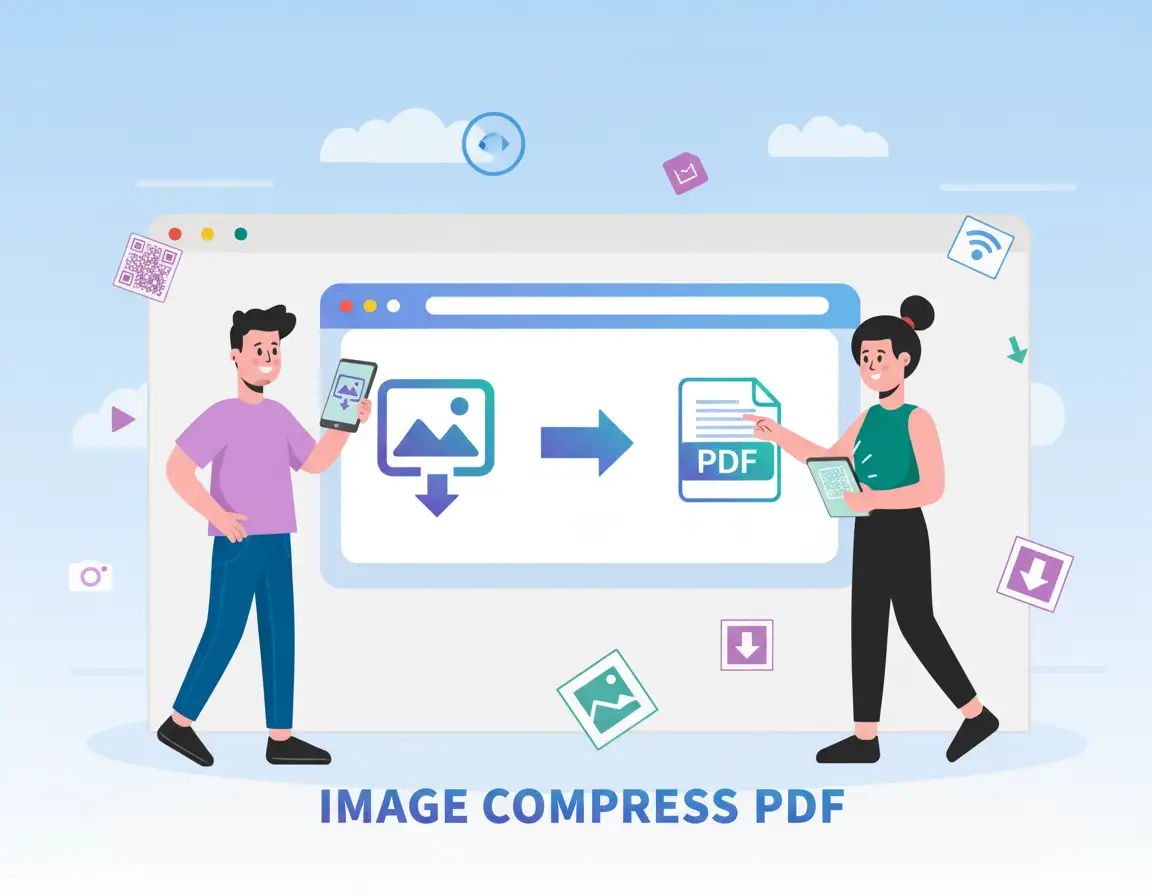
How to Compress a PDF Without Losing Quality
MiniToolBar Editorial Team•Published: 3/11/2026
Why Large PDF Files Are a Headache
PDF documents are the universal standard for business contracts, resumes, academic research, and government forms. However, high-resolution scanned pages and uncompressed graphics frequently balloon file sizes to 15 MB or more. This triggers email attachment failures and upload rejections on employment and university portals.
The challenge is how to reduce PDF file size without causing text to blur or images to pixelate.
How to Compress PDF Online in 3 Simple Steps
- Upload Your PDF: Open MiniToolBar's free Compress PDF tool and drop your document into the box.
- Select Recommended Compression: Our recommended mode strikes the ideal balance—downsampling high-DPI scanned photos to clean web resolution while keeping vector typography completely untouched.
- Download Your Optimized File: Click Compress PDF and download your lightweight document in seconds.
How Local In-Browser Compression Protects Your Privacy
Unlike legacy online converter websites that upload your personal tax filings and legal agreements to remote cloud servers, MiniToolBar executes compression 100% locally on your computer or smartphone using HTML5 and WebAssembly. Your data never touches third-party servers.
Tags:#Compress PDF#Document Optimization#Privacy