
Back to All Articles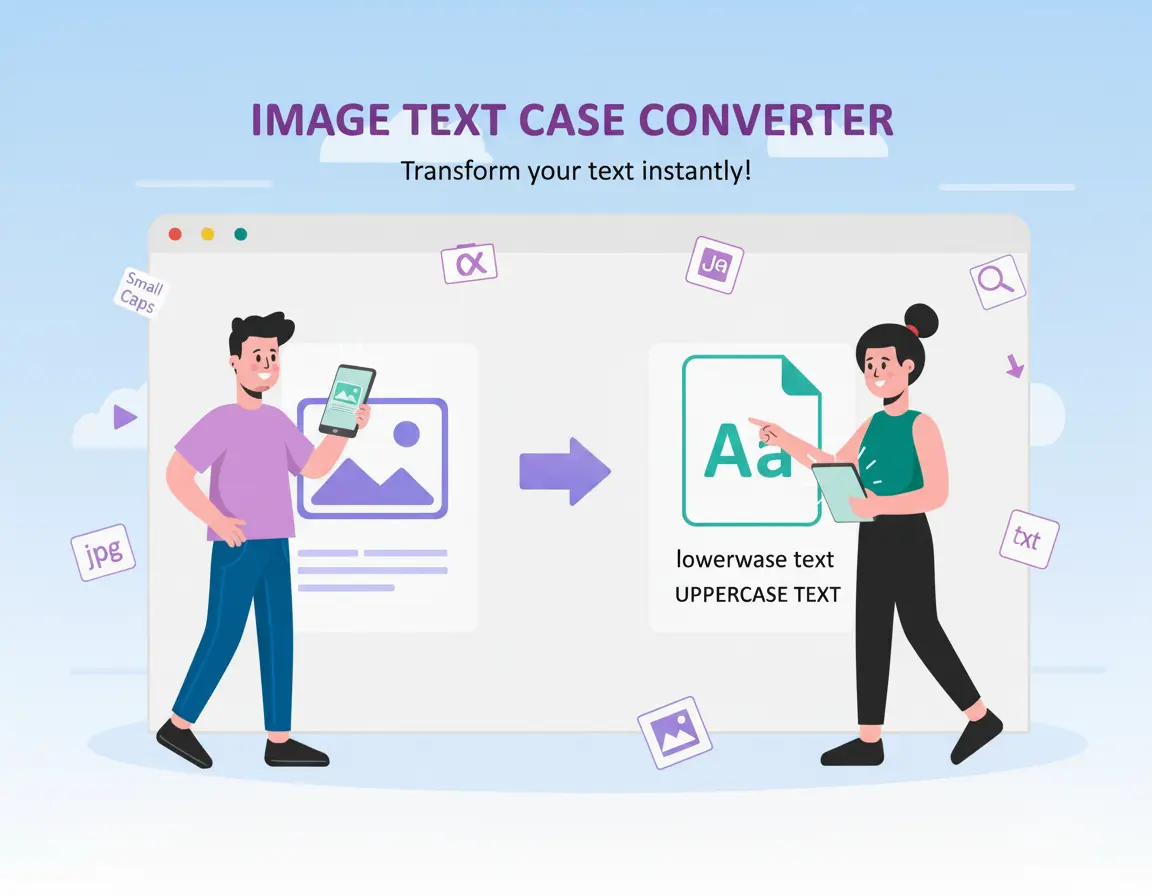
How to Convert Text to Uppercase or Lowercase Online
MiniToolBar Editorial Team•Published: 3/26/2026
The Accidental Caps Lock Nightmare
We have all looked up at the computer monitor after typing three paragraphs only to realize the Caps Lock key was accidentally engaged, turning normal sentences into aggressive ALL-CAPS screaming.
Instead of manually deleting and retyping everything from scratch, online text conversion tools can fix the formatting in a fraction of a second.
Supported Text Case Formats
- UPPERCASE: Converts every single character to capital letters. Ideal for legal disclaimers, acronyms, or bold headlines.
- lowercase: Makes all characters small. Perfect for email addresses, URL paths, and code variables.
- Sentence case: Capitalizes only the first letter after periods, question marks, and exclamation points, keeping the rest lowercase.
- Title Case: Capitalizes major words for blog titles and book headings.
Paste your text into MiniToolBar's free Text Case Converter to switch between styles instantly.
Tags:#Text Case Converter#Uppercase#Lowercase#Productivity